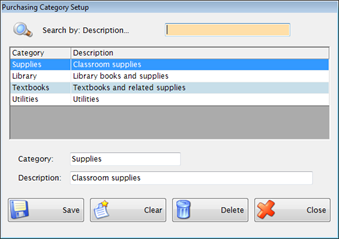
This is for setting up optional categories that may be used for identifying different types of vendors. Once a Purchasing Category is set up, you can use it to indicate in Vendor Setup that the Vendor qualifies for under this category.
Example:Minority, Non-Profit, Woman-Owned. In NC, these are called HUB (Historically Under-utilized Business) codes.
Complete the following form to set up a purchasing category:
Enter a short unique Category name in the Category field.
Enter a full description for this category in the Description field.
Click Save.
©2019 EMS LINQ, Inc.
Fund Management, revised 03/2019